About
Keep your plans where you can see them
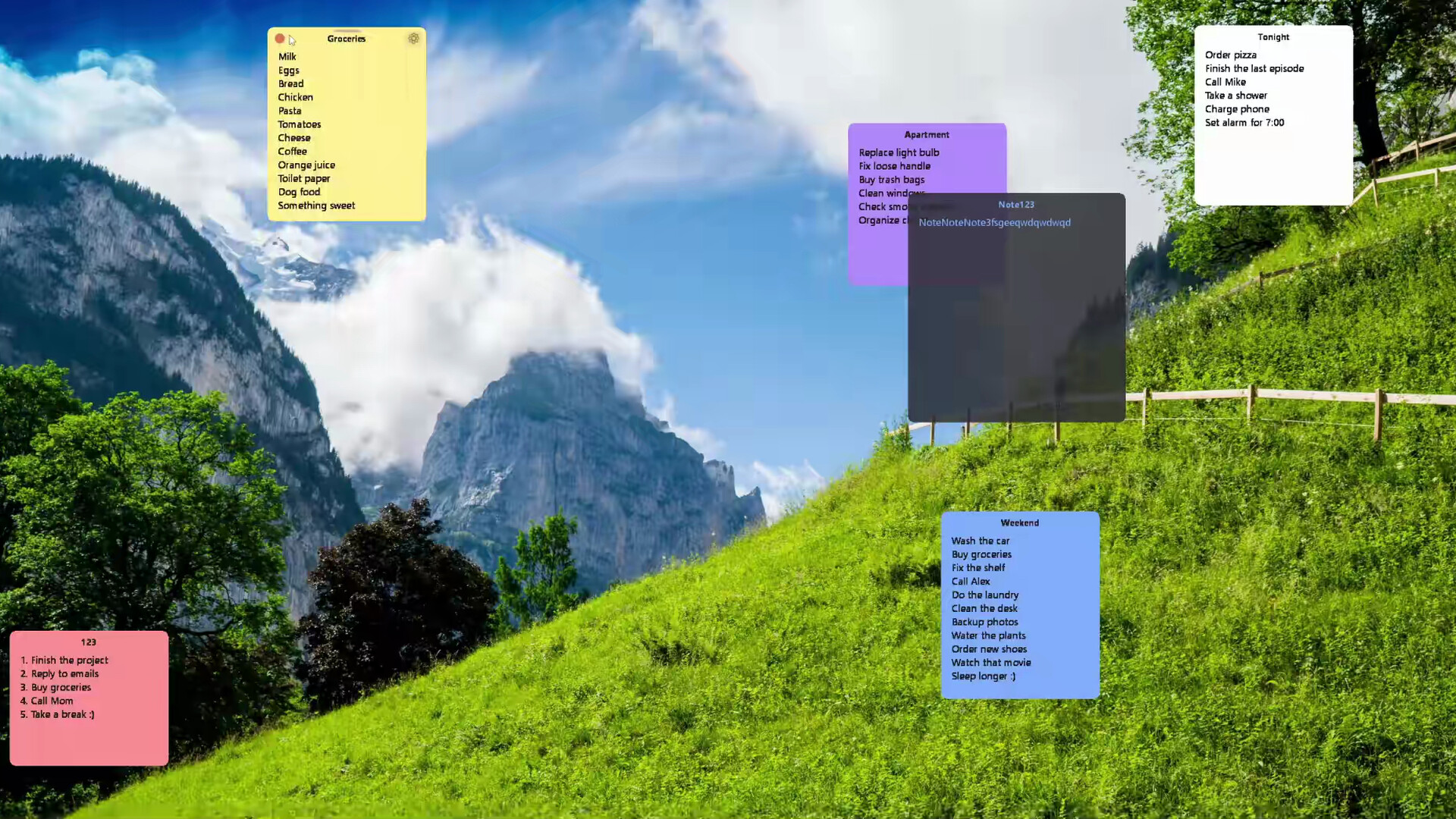
Desktop Sticky Notes is a lightweight and customizable notes application designed to keep your daily tasks visible without interrupting your workflow.
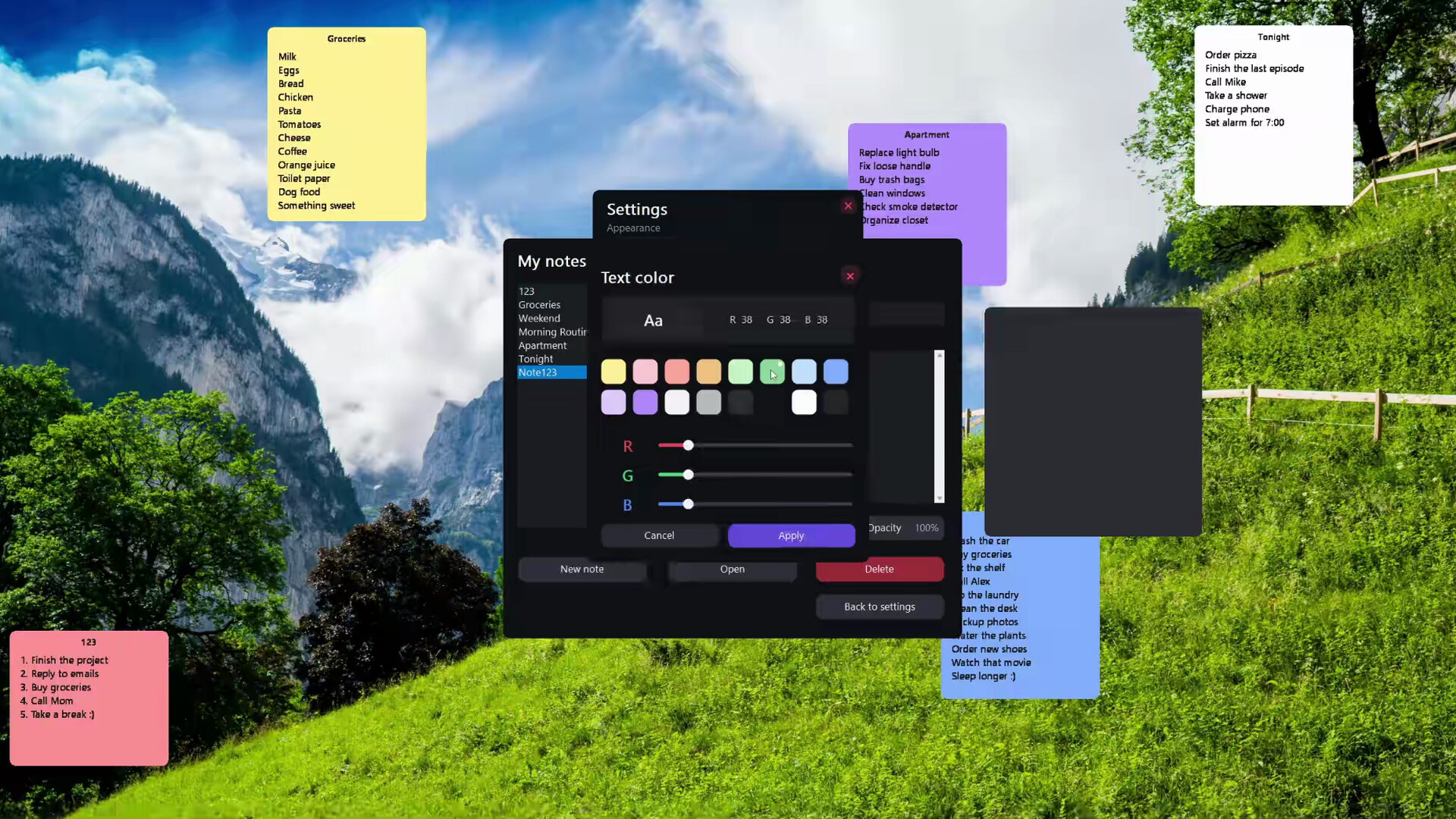
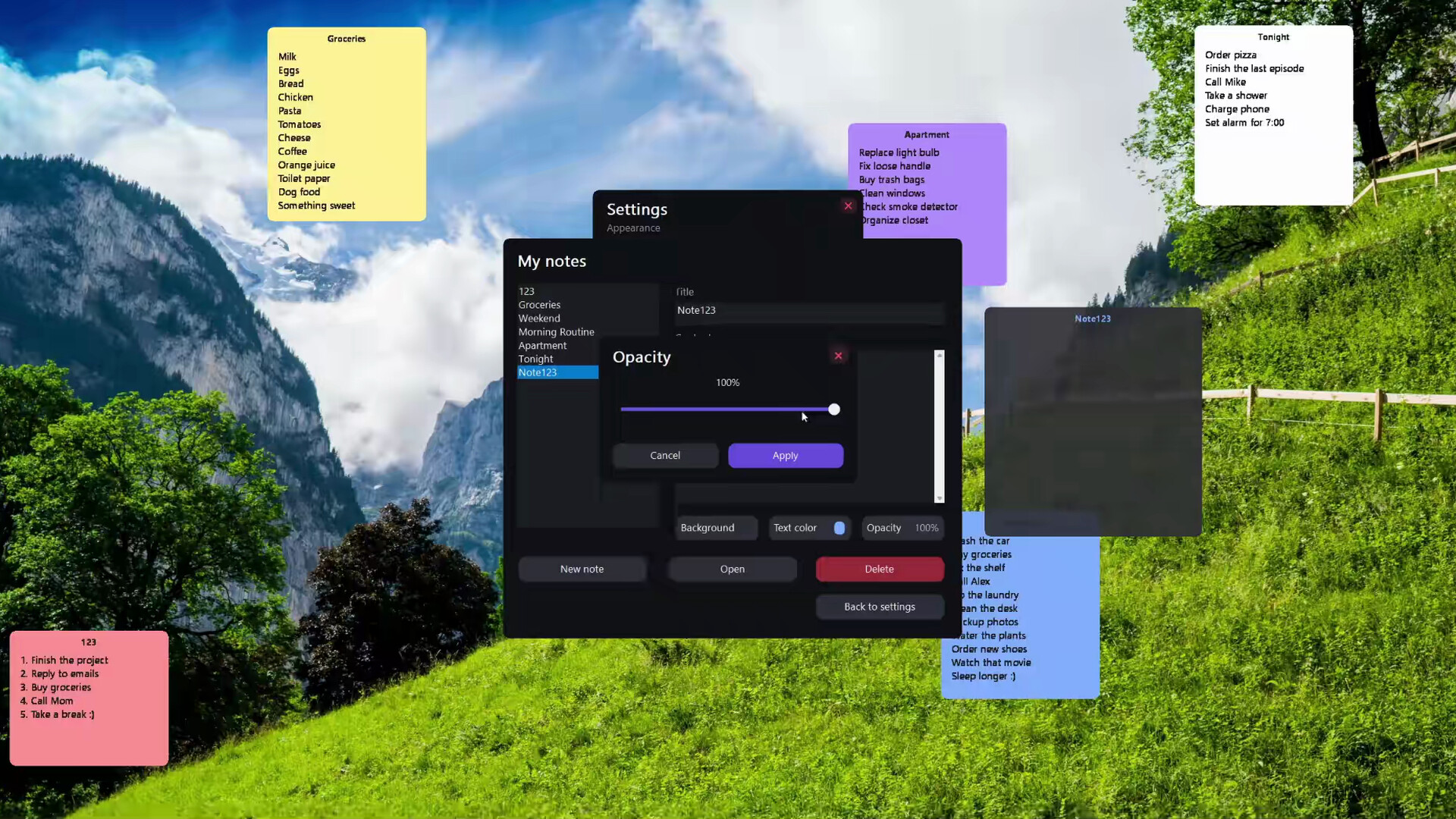
Create as many notes as you need, place them anywhere on your desktop, and customize each one individually. Your changes are saved automatically, so you can focus on your work instead of managing the application.
Features
Unlimited sticky notes
Create as many independent notes as you need. Each note has its own title, content, appearance, size, and position.
Automatic saving
Text, titles, colors, size, position, and other settings are saved automatically.
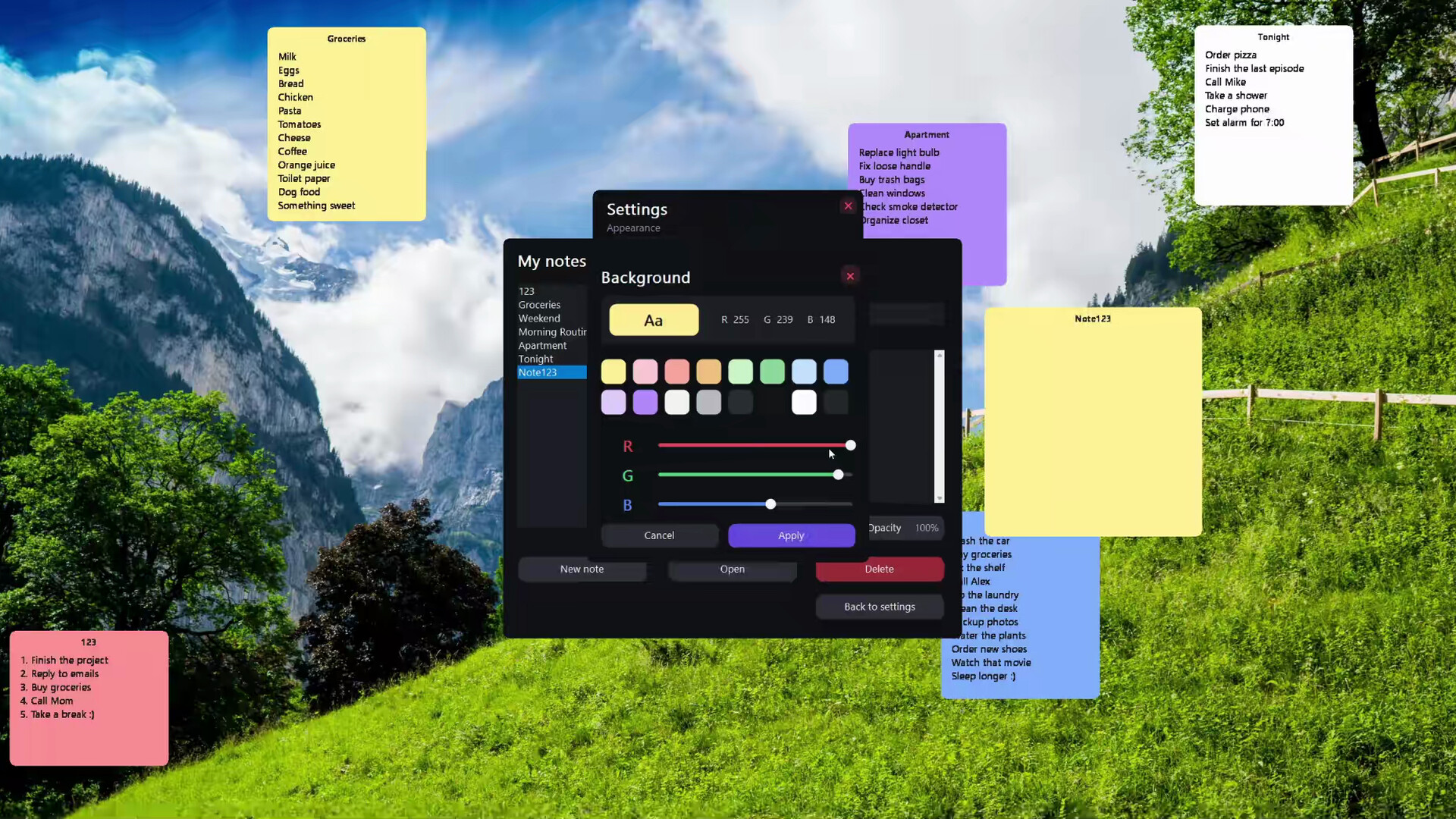
Custom appearance
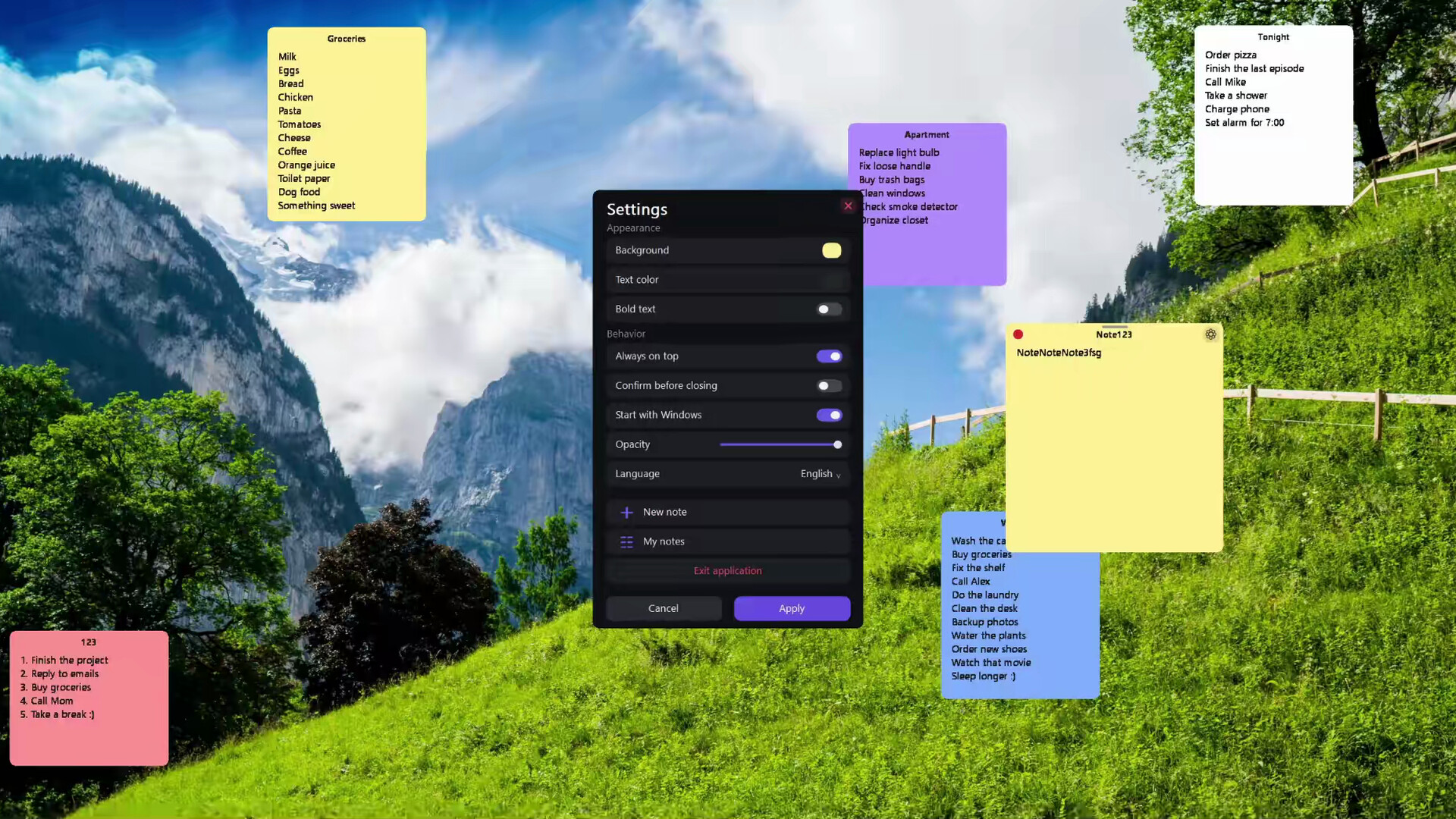
Change the background color, text color, font size, bold style, and opacity of every note.
Always on top
Keep important tasks and reminders visible above other windows.
Flexible placement
Move and resize every note freely to create a workspace that suits you.
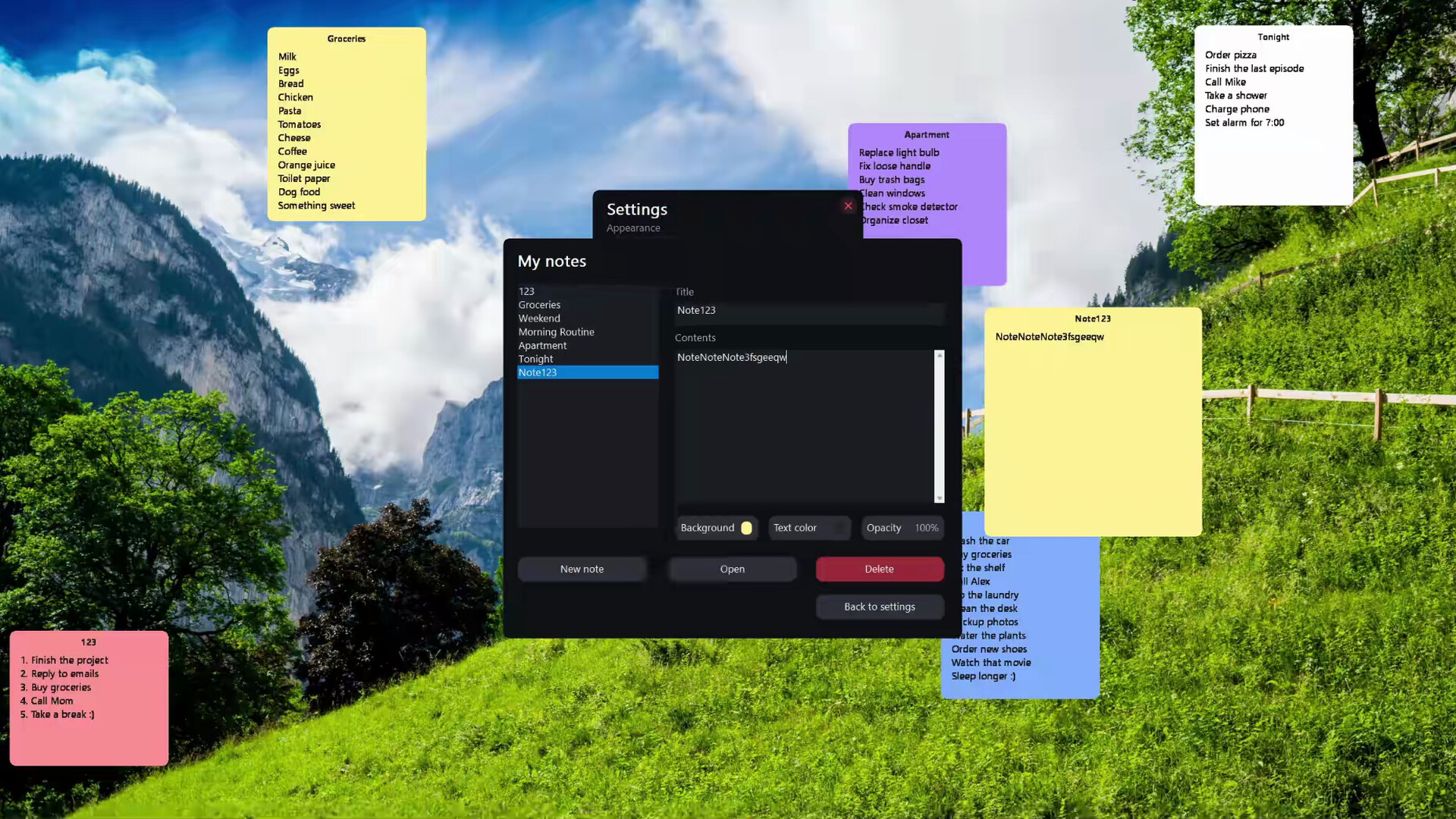
Notes manager
View all saved notes in one place. Edit, reopen, rename, or permanently delete any note.
Windows startup
Choose whether Desktop Sticky Notes launches automatically when Windows starts.
System tray support
Access your notes without filling the Windows taskbar with additional icons.
Multiple interface languages
Select your preferred interface language directly in the application settings.
Local and private
All notes are stored locally on your computer. No account or internet connection is required.
Simple by design
Desktop Sticky Notes has no accounts, subscriptions, advertisements, or unnecessary online services. It works offline and stays out of the way until you need it.
Whether you are planning your day, tracking work on a project, or keeping an important reminder nearby, your notes remain just one click away.
 Live now